Loyalty cards hub
Loyalty cards, rewards cards, and memberships in one app
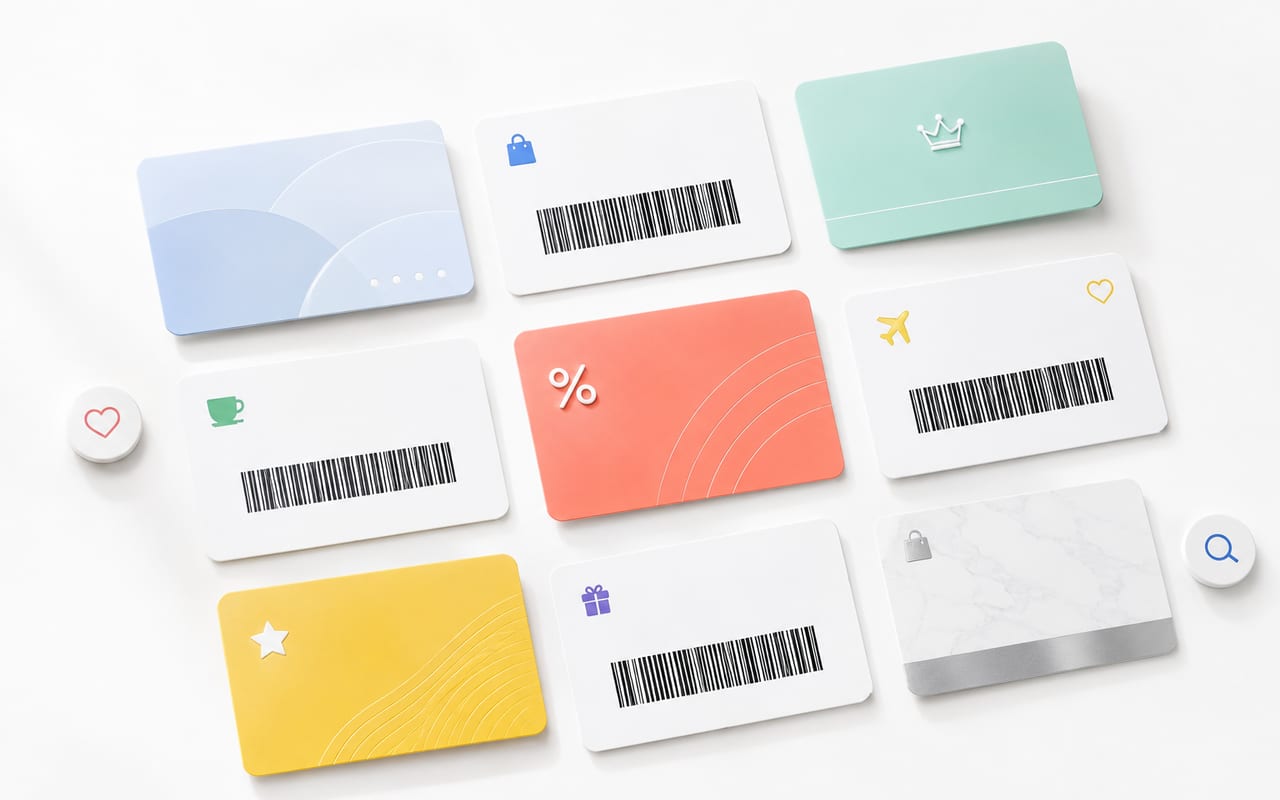
Store Cards is a focused loyalty cards app for iPhone. It helps you add cards from a photo or barcode, find the right card at checkout, and use Apple Wallet when the card is supported.
The best place for each loyalty card
A strong loyalty-card setup does not force every card into one format. It chooses the most reliable place for each card.
Merchant supports Apple Wallet
Add the official Wallet pass and keep Store Cards as your backup organizer if needed.
Card has a barcode or QR code
Scan or import it in Store Cards so the code is searchable and ready at checkout.
Card is only an account number
Store the details carefully, but check whether the retailer requires its own app or account page.
Why loyalty cards are still easy to miss
Most people do not lose rewards because loyalty programs are complicated. They lose them because the right card is in a drawer, hidden in a retailer app, buried in screenshots, or forgotten at the checkout counter. The useful solution is not more decoration; it is fast retrieval and a code that scans reliably.
Store Cards is built around that moment. The card needs to be easy to add, easy to find, and easy to present while a cashier or kiosk is waiting.
A reliable loyalty-card workflow
Start with the official source. If the retailer offers “Add to Apple Wallet,” use it. If the retailer gives you a plastic card, barcode, QR code, receipt, or screenshot, add it to Store Cards and verify the code before you rely on it in store.
Keep the card name human-readable, avoid duplicate versions, and use a dedicated card organizer instead of letting reward cards mix with receipts, memes, screenshots, and travel photos.
- Scan the plastic card or import a screenshot.
- Check that the barcode or QR code is readable before checkout.
- Use Apple Wallet for official passes and Store Cards for everything that still needs a clear barcode wallet.
What makes a loyalty cards app trustworthy
A trustworthy loyalty cards app should explain what it can and cannot do. It should not claim that every card can be pushed into Apple Wallet, because Wallet passes depend on supported formats and issuer rules. It should also keep the product focused: card capture, organization, reliable display, and clear export options.
For Google and for users, first-hand product proof matters. The next ranking step is to add real screenshots, workflow examples, and field-tested card examples to this page rather than expanding into hundreds of thin generated pages.
FAQ
What is the best app for loyalty cards on iPhone?
The best app is the one that makes cards quick to add, quick to search, and reliable to scan at checkout. Store Cards focuses on that workflow and complements Apple Wallet for cards that have official or compatible passes.
Can I store all loyalty cards in Apple Wallet?
No. Use Apple Wallet when the merchant or issuer provides Wallet support. For barcode or QR-code loyalty cards without Wallet support, use Store Cards to keep them organized on iPhone.
Are loyalty cards the same as rewards cards?
They often overlap. A loyalty card may collect points, unlock member prices, hold rewards, or identify a membership account. Store Cards treats them as everyday cards you need to present quickly.