Store Cards
Wallet Pass pre vernostné karty — Store Cards
Pohodlný konštruktér na pridanie všetkých potrebných detailov. Používajte karty na iPhone alebo Apple Watch. Ukladajte, organizujte a používajte karty značiek bez plastu. Exportujte do Apple Wallet a pristupujte k nim na iPhone alebo Apple Watch.
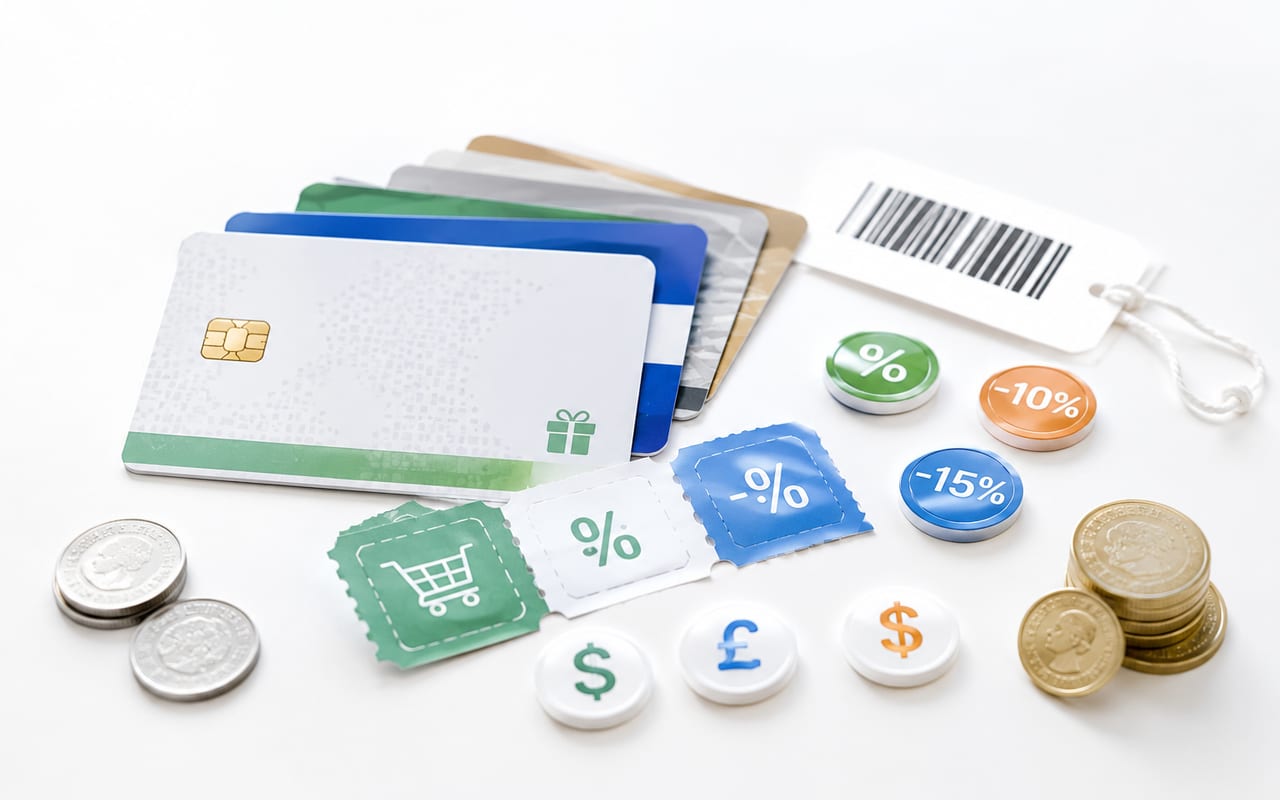
Wallet Pass pre vernostné karty
Pohodlný konštruktér na pridanie všetkých potrebných detailov. Používajte karty na iPhone alebo Apple Watch.
Ako pridať kartu do Apple Wallet
Ukladajte, organizujte a používajte karty značiek bez plastu. Exportujte do Apple Wallet a pristupujte k nim na iPhone alebo Apple Watch.
Pohodlný konštruktér na pridanie všetkých potrebných detailov. Používajte karty na iPhone alebo Apple Watch.
Peňaženka na karty a organizér kariet obchodov
Uložte si vernostné karty, zľavové karty, odmeňovacie karty, cashback karty aj obchodné karty na jedno miesto. Namiesto prehrabávania sa plastovými kartami alebo starými aplikáciami získate prehľadný organizér na každodenné používanie.
Či už používate vernostnú kartu v potravinách, členskú kartu do fitka alebo aplikáciu odmien pri častých nákupoch, všetko zostáva ľahko dostupné. Je to jednoduchý spôsob, ako si uložiť údaje z kariet, mať prehľad o odmenách a držať zľavy poruke.
Store Cards
Stiahnuť Store Cards
Ukladajte, organizujte a používajte karty značiek bez plastu. Exportujte do Apple Wallet a pristupujte k nim na iPhone alebo Apple Watch.
Časté otázky
Čo treba vedieť o Wallet Pass pre vernostné karty?
Pohodlný konštruktér na pridanie všetkých potrebných detailov. Používajte karty na iPhone alebo Apple Watch. Pohodlný konštruktér na pridanie všetkých potrebných detailov. Používajte karty na iPhone alebo Apple Watch.
Čo treba vedieť o Apple Wallet?
Pohodlný konštruktér na pridanie všetkých potrebných detailov. Používajte karty na iPhone alebo Apple Watch. Pohodlný konštruktér na pridanie všetkých potrebných detailov. Používajte karty na iPhone alebo Apple Watch.
Čo treba vedieť o Skener vernostných kariet?
Pridanie karty by nemalo trvať dlhšie než jej použitie. Vďaka vstavanému skeneru rýchlo načítate čiarový kód a novú kartu uložíte na pár klepnutí. Je navrhnutý pre rýchlosť, najmä keď chcete naraz presunúť viac kariet. Odfotite — AI nájde značku, vyberie logo a farby. Bez potreby manuálneho zadávania.
Súvisiace stránky
Ako pridať kartu do Apple Wallet: Store Cards
Pohodlný konštruktér na pridanie všetkých potrebných detailov. Používajte karty na iPhone alebo Apple Watch. Ukladajte, organizujte a používajte karty značiek bez plastu. Exportujte do Apple Wallet a pristupujte k nim na iPhone alebo Apple Watch.
Digitálny držiak vernostných kariet: Store Cards
Či už používate vernostnú kartu v potravinách, členskú kartu do fitka alebo aplikáciu odmien pri častých nákupoch, všetko zostáva ľahko dostupné. Je to jednoduchý spôsob, ako si uložiť údaje z kariet, mať prehľad o odmenách a držať zľavy poruke. Ukladajte, organizujte a používajte karty značiek bez plastu. Exportujte do Apple Wallet a pristupujte k nim na iPhone alebo Apple Watch.
Peňaženka na karty a organizér kariet obchodov: Store Cards
Uložte si vernostné karty, zľavové karty, odmeňovacie karty, cashback karty aj obchodné karty na jedno miesto. Namiesto prehrabávania sa plastovými kartami alebo starými aplikáciami získate prehľadný organizér na každodenné používanie. Ukladajte, organizujte a používajte karty značiek bez plastu. Exportujte do Apple Wallet a pristupujte k nim na iPhone alebo Apple Watch.
Skener vernostných kariet: Store Cards
Pridanie karty by nemalo trvať dlhšie než jej použitie. Vďaka vstavanému skeneru rýchlo načítate čiarový kód a novú kartu uložíte na pár klepnutí. Je navrhnutý pre rýchlosť, najmä keď chcete naraz presunúť viac kariet. Ukladajte, organizujte a používajte karty značiek bez plastu. Exportujte do Apple Wallet a pristupujte k nim na iPhone alebo Apple Watch.
Alternatíva k Stocardu pre iPhone: Store Cards
Prechádzate zo Stocardu alebo z inej aplikácie? Importujte screenshoty a preneste si svoje karty bez pridávania po jednej. Je to jeden z najjednoduchších spôsobov, ako si po zmene aplikácie alebo telefónu znovu poskladať peňaženku s kartami. Ukladajte, organizujte a používajte karty značiek bez plastu. Exportujte do Apple Wallet a pristupujte k nim na iPhone alebo Apple Watch.