Mobile wallet hub

A mobile wallet for loyalty cards and store cards

“Mobile wallet” can mean payments, IDs, tickets, or passes. Store Cards focuses on the everyday wallet problem that payment apps do not fully solve: keeping loyalty cards and store card barcodes ready on iPhone.

mobile walletmobile wallet for loyalty cardswallet for loyalty cardsdigital wallet for store cards
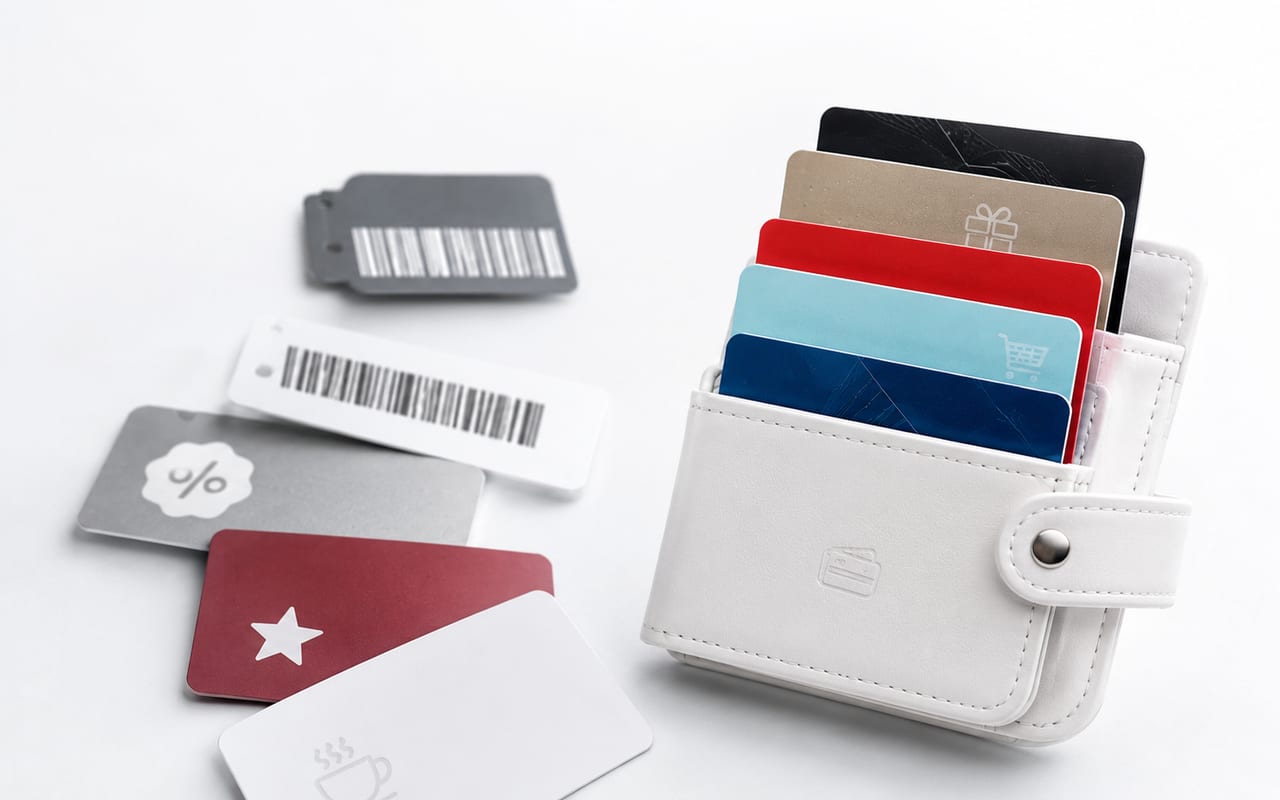
Which mobile wallet should handle the card?

Use the wallet that fits the card type instead of forcing every card into the same system.

Payment cards

Use Apple Wallet and Apple Pay when the card and issuer are supported.

Tickets, keys, IDs, official passes

Use the official Wallet pass flow provided by the issuer or merchant.

Loyalty barcodes and store cards

Use Store Cards when the main job is to keep a barcode, QR code, or rewards number easy to find and scan.

Mobile wallet is not one single intent

A broad search for “mobile wallet” often mixes payment wallets, Apple Pay, Google Wallet, transit passes, tickets, IDs, and loyalty cards. Store Cards should not pretend to be all of those things. Its job is narrower and clearer: a mobile wallet layer for the store cards that people actually forget at checkout.

That narrower positioning is also the best SEO path. Instead of competing with banks and payment platforms for every meaning of mobile wallet, Store Cards can own the loyalty-card subset with clearer content, real product proof, and specific checkout workflows.

How Store Cards complements Apple Wallet

Apple describes Wallet as a place for credit and debit cards, IDs, transit cards, event tickets, keys, rewards cards, and more. Apple also notes that loyalty rewards cards from retailers can be added and redeemed automatically when eligible. Store Cards fits beside that: it organizes the cards that are not always issued as official Wallet passes.

For supported cards, Apple Wallet is excellent. For a pile of plastic loyalty cards, barcode screenshots, retail rewards cards, and membership IDs, Store Cards gives users a dedicated place to add, search, and present those cards quickly.

What this page still needs to compete for head terms

The technical foundation alone will not make a small app outrank banks, Apple, Google, and high-authority publishers for the broad term “mobile wallet.” To improve that probability, this page needs original screenshots, comparison visuals, review quotes, press mentions, and external links from credible app and shopping publications.

The code now creates the right indexable hub. The next step is authority: make this page the best answer for “mobile wallet for loyalty cards,” then expand outward only after Google Search Console shows clean impressions and query data.

  • Add first-party screenshots of scanning, organizing, and showing a card.
  • Add a comparison table against photo albums, retailer apps, and Apple Wallet-only workflows.
  • Earn external references from iOS, shopping, productivity, and personal-finance publishers.

FAQ

Is Store Cards a mobile wallet?

Yes, for loyalty cards, store cards, rewards cards, and barcode passes. It is not a replacement for Apple Pay or a bank wallet for payment cards.

How is Store Cards different from Apple Wallet?

Apple Wallet is best for eligible official passes and payment cards. Store Cards is a focused organizer for store and loyalty cards that may only exist as a barcode, QR code, screenshot, or plastic card.

Can a loyalty-card wallet rank for mobile wallet?

It can compete for the narrower intent “mobile wallet for loyalty cards.” Ranking for the broad term “mobile wallet” requires far more authority because the SERP is dominated by payment and platform intent.

Related guides