Cards wallet guide
Store Cards – Cards Wallet: Organize Loyalty, Store and Rewards Cards on Your Phone
A cards wallet is for the cards you do not want to carry every day, but still need at checkout, check-in, or a front desk.
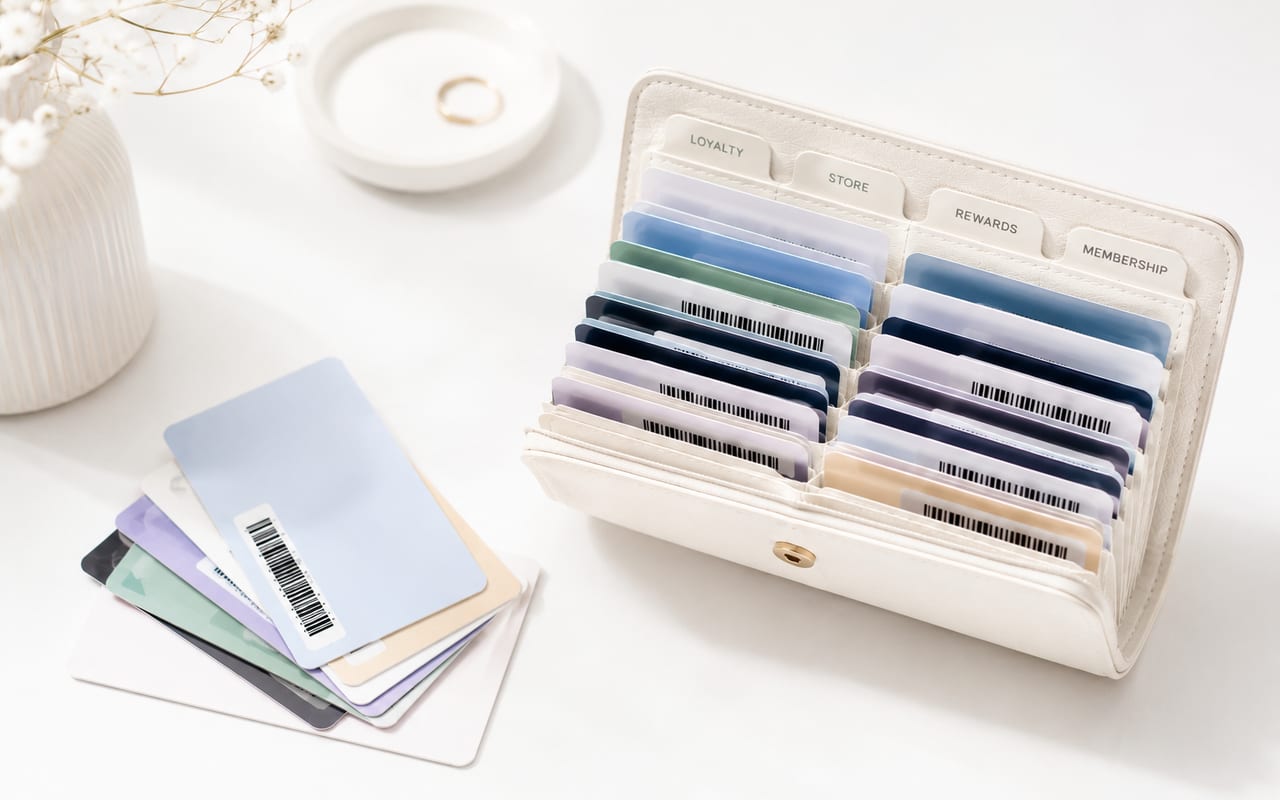
The awkward cards are rarely the most important cards in your wallet. They are the supermarket rewards card, the gym card, the library card, the pharmacy barcode, the local shop membership, or the paper pass you need twice a month and forget anyway.
A cards wallet gives those everyday cards a place on your phone. It is most useful for non-payment cards: loyalty cards, store cards, rewards cards, membership cards, barcode cards, QR code cards, and cards that are checked by number or visual details.
Store Cards focuses on that job. It is not a banking app, payment wallet, or official ID app. It is a card organizer for the cards you want to find quickly without carrying every piece of plastic.
What Is a Cards Wallet?
A cards wallet is an app for keeping card-style items on your phone so you can open them when you need to show a barcode, QR code, member number, or card details.
The important distinction is payment. A cards wallet is not mainly for paying. It is for the everyday cards that sit around payment cards: rewards, store, membership, library, gym, club, and local cards.
What Belongs in a Cards Wallet?
A useful rule is this: add cards that are low-risk, easy to replace, and annoying to carry. Keep sensitive or officially controlled cards somewhere more appropriate.
Good candidates
Shopping and rewards cards
Supermarket rewards, pharmacy cards, fuel rewards, coffee cards, and other programs where the scannable part is usually a barcode, QR code, or member number.
Membership cards
Gym cards, library cards, club cards, museum memberships, coworking cards, and local community memberships that you need to show occasionally.
Local cards without their own app
Small shops, local services, and neighborhood programs often do not have a polished app. A cards wallet can still keep the card details in one place.
Cards without barcodes
Some cards are checked by name, number, photo, or visual details. Those cards still need a better home than a screenshot folder.
Keep elsewhere
- Payment cards, bank cards, and anything used for contactless payment.
- Government IDs, official identity documents, and cards that must be shown in an official app or as the original card.
- Health, insurance, or account cards that contain sensitive personal information you do not need at checkout or check-in.
- Any card where the issuer, venue, or organization says the physical card is required.
Cards Wallet vs Payment Wallets and Store Apps
Payment wallets and retailer apps still have their place. Use payment wallets for payment cards, issuer-supported passes, transit cards, tickets, and other native wallet items. Use retailer apps when store-specific coupons, orders, returns, or account features matter.
Store Cards handles the smaller job: cards you want to find quickly, even when they are not supported as official wallet passes.
| Option | Best for | Strengths | Limitations |
|---|---|---|---|
| Payment wallet | Payment cards, transit cards, eligible official passes, and supported tickets | Built for secure payments and issuer-supported wallet passes | Not every loyalty card, local membership, or paper-style card can be added |
| Retailer apps | Retailers you use very often | Can include coupons, order history, account details, and store-specific features | Too many apps if you only need a barcode, QR code, or member number |
| Store Cards | Everyday non-payment cards you want to find quickly | Keeps loyalty, store, rewards, membership, barcode, and non-barcode cards together | Does not replace banking apps, official ID apps, or a retailer app when you need its full feature set |
Most people do not need one wallet to replace everything. A good setup can use a payment wallet for payments, a retailer app when the store-specific features matter, and Store Cards for everyday non-payment cards.
When a Cards Wallet Helps Most
The point is not novelty. The point is fewer places to search: plastic cards, keychain tags, screenshots, email, notes, and half-used retailer apps.
You use several stores, but not every store deserves its own app
A retailer app can be worth it for a store you use every week. For the rest, keeping only the card is often enough.
The card is needed only at one specific moment
Checkout, a gym front desk, a library visit, a pickup counter, or a club entrance are exactly the moments when a buried card becomes annoying.
Your current system is screenshots, notes, email, and memory
That system works until you are standing in line and cannot remember whether the number is in Photos, Notes, an email, or a forgotten retailer app.
You have cards with and without barcodes
Some cards scan. Some are checked visually. Some only need a member number. A cards wallet earns its place when it can handle that mixed reality.
How Store Cards Fits In
Store Cards is for the real mix of cards people carry: loyalty cards, store cards, rewards cards, membership cards, barcode cards, QR code cards, and useful cards without barcodes.
That last part matters. Not every membership has a scannable code. Not every local card has its own app. Not every store card is important enough to keep in your physical wallet. Store Cards gives those cards a single place to live.
How to Start Without Turning It Into a Project
Do not digitize every card in one sitting. Start with a small set, then add more when you notice yourself reaching for them.
Pick a small first batch
Start with five cards you already reach for: grocery, pharmacy, coffee, gym, library, fuel, or a local store card.
Give each card a name you would search for
Use names like Main Supermarket Rewards or Downtown Gym instead of Card 1. If the same brand has multiple cards, add the location or program name.
Keep the physical cards for a short test period
Try the digital version before you stop carrying the original. Checkout scanners and venue rules are not identical everywhere.
Remove cards that do not earn their place
A digital wallet can get messy too. If a membership expired or a store closed, remove it instead of making the app harder to scan.
Practical Safety Checks
Use a digital card with the same common sense you would use for the original. Convenience is the goal, but it should not make an important card harder to prove or easier to expose.
Do not treat payment cards and IDs like loyalty cards
Payment cards, government IDs, and sensitive documents need the official wallet, issuer app, original card, or a more controlled storage method.
Store only the details you actually need
If the card only needs a barcode or member number, avoid adding extra personal information just because there is room for it.
Read the privacy policy
Before storing anything sensitive, check what the app collects, where the data is stored, and which permissions it asks for.
Lock your phone
A cards wallet is only as private as the phone around it. Use a passcode, Face ID, Touch ID, or the equivalent protection available on your device.
Make Your Cards Easier to Carry
The easiest win is not a complete wallet overhaul. It is moving the handful of cards that slow you down most: the grocery card you forget, the gym card in another bag, the library card in a drawer, or the barcode saved as a screenshot you can never find quickly.
Download Store Cards and start with the cards you already use.
FAQ
What is a cards wallet?
A cards wallet is an app for keeping non-payment cards on your phone, such as loyalty cards, store cards, rewards cards, membership cards, barcode cards, QR code cards, and cards that are checked by member number.
Can I use Store Cards for loyalty and rewards cards?
Yes. Loyalty and rewards cards are good candidates for Store Cards, especially when the card is used through a barcode, QR code, card number, or member number.
Does Store Cards replace Apple Wallet, Google Wallet, or a payment wallet?
No. Store Cards is for organizing everyday non-payment cards. Payment wallets are better suited to supported payment cards, transit cards, official passes, and wallet passes issued through those platforms.
Why use a cards wallet instead of separate retailer apps?
Use a retailer app when you need coupons, order history, delivery tracking, or account features from that store. Use a cards wallet when you mainly need quick access to the card itself.
What types of cards should I add first?
Start with cards you use often but do not want to carry every day: grocery rewards, pharmacy rewards, coffee cards, gym cards, library cards, fuel rewards, and local membership cards.
Can I store cards without barcodes?
Yes. Some useful cards are checked by member number, name, image, or visual details instead of a barcode. Those cards can still be easier to find when they live with your other everyday cards.
Should I throw away my physical cards after adding them?
Not immediately. Test important cards first, and keep the original whenever the retailer, venue, or organization requires the physical card.
Should I store sensitive cards in a cards wallet?
Be selective. Payment cards, government IDs, health documents, and cards with sensitive account details may need a more specific app, the original card, or another storage method.