Store cards guide
Store cards belong in one iPhone wallet
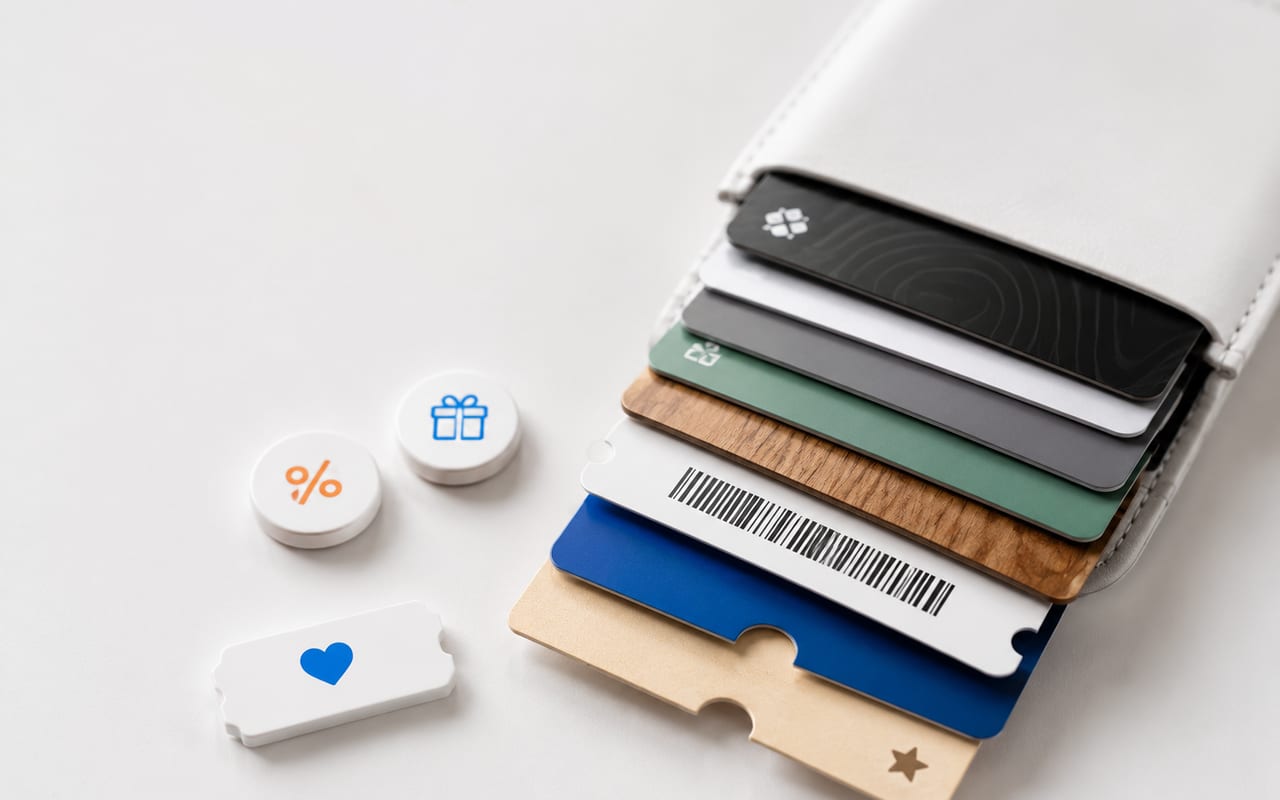
Store Cards helps you keep loyalty cards, rewards cards, discount cards, gift cards, and membership barcodes ready at checkout without carrying a stack of plastic or opening every retailer app.
What kind of store card do you need to keep?
The safest setup depends on whether the card is a loyalty card, a payment card, a gift card, or an official Apple Wallet pass.
Barcode or QR store cards
Scan or import the code in Store Cards so it is available in seconds at checkout.
Official Wallet passes
Use the merchant’s Add to Apple Wallet option when the issuer provides a supported pass.
Payment store cards
Use Apple Wallet or the issuer flow when the card is a supported credit, debit, prepaid, or Apple Pay card.
What are store cards?
Store cards can mean several things: a loyalty card, a rewards card, a discount card, a gift card, a membership card, or a payment card from a retailer. Store Cards focuses on the everyday non-payment cards people need to show at checkout: barcodes, QR codes, membership IDs, rewards numbers, and Wallet passes.
That distinction matters for trust. A barcode card is not the same thing as a payment card, and not every barcode can be turned into an Apple Wallet pass. Store Cards is designed to organize the cards you already have and export compatible cards when the Wallet format supports it.
- Loyalty, rewards, discount, gift, and membership card organization.
- Photo import and barcode scanning for faster setup.
- Apple Wallet export for supported card formats rather than unrealistic “any card” claims.
Why a dedicated store card app can work better than photos
A photo album is easy to create but slow at checkout. It does not normalize the barcode, remember the brand, or keep a card visually distinct from screenshots and receipts. A dedicated store card app should make the card searchable, readable, and easy to present when the cashier asks for it.
Store Cards keeps the app focused on a narrow purpose: get the right store card on screen quickly, then use Apple Wallet when an official or compatible pass is the better place for that card.
Store Cards vs Apple Wallet
Apple Wallet is the correct place for eligible cards and passes. Apple says Wallet can keep credit and debit cards, transit cards, event tickets, keys, IDs, rewards cards, and more in one place. Store Cards complements that by helping with the store cards and loyalty barcodes that are not always issued as official Wallet passes.
The practical workflow is simple: first use the merchant’s official Wallet button when it exists. If the store only gives you a barcode, QR code, plastic card, or screenshot, keep it organized in Store Cards and export it only when the card type is compatible.
FAQ
Is Store Cards for payment cards?
No. Store Cards is built for loyalty cards, rewards cards, discount cards, membership cards, gift-card barcodes, and similar store cards. Payment cards should be added through Apple Wallet or the card issuer when supported.
Can Store Cards replace every retailer app?
It can reduce how often you open retailer apps at checkout, but it does not replace account management, coupons, ordering, or payment features that a retailer may keep inside its own app.
Can I add store cards to Apple Wallet?
Yes when the merchant provides an official Wallet pass or when the card type can be exported as a compatible pass. A random barcode image alone is not always enough.